Small tech gifts by spec
Some of the most welcome tech gifts are the small ones: a tracker for the keys, a charger for the bag, a compact charger for a laptop. The listing names state the useful facts, such as the model number of the tracker and what the charger is made for. This guide reads five of them.
- Which phone or device does it need?
- What plug and cable?
- Does it need an app or an account?
- Is it a first one or a replacement?
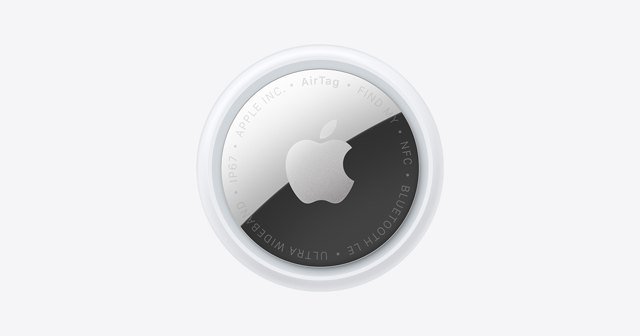 Image: Apple
Apple AirTag (MX532LL/A)
Why it fits: The Apple AirTag with the part number MX532LL/A.
Good for: Anyone with an iPhone who loses keys or bags.
Check first: That the person uses an iPhone, since the tracker is made for that system.
Check it on Amazon(paid link)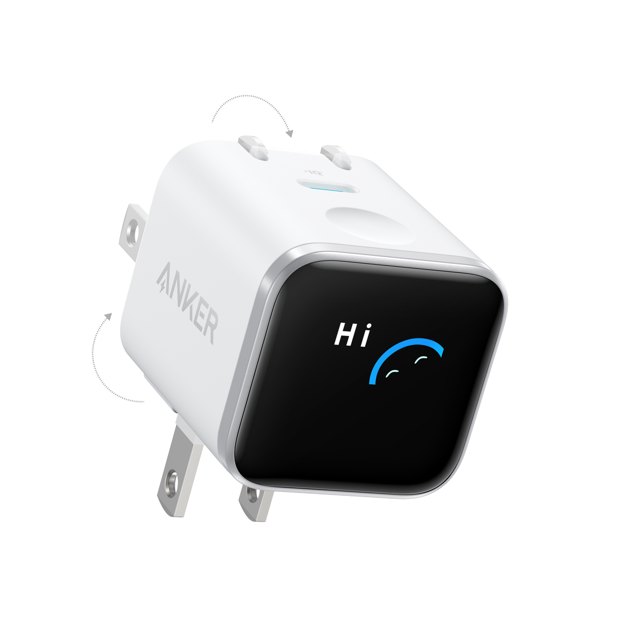 Image: Anker
Anker compact charger
Why it fits: An Anker charger and calls it compact.
Good for: A commuter who charges a laptop or tablet from a small wall adapter.
Check first: The wattage and the plug type stated on the product page, against the device it will charge.
Check it on Amazon(paid link)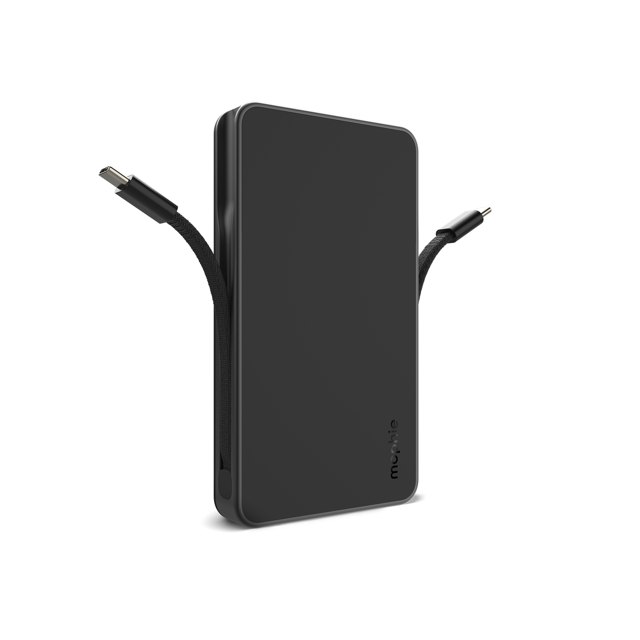 Image: mophie
mophie Powerstation portable charger (Signature)
Why it fits: The mophie Powerstation Signature portable charger.
Good for: A phone that runs flat on long days away from an outlet.
Check first: The capacity and the ports stated for this model.
Check it on Amazon(paid link)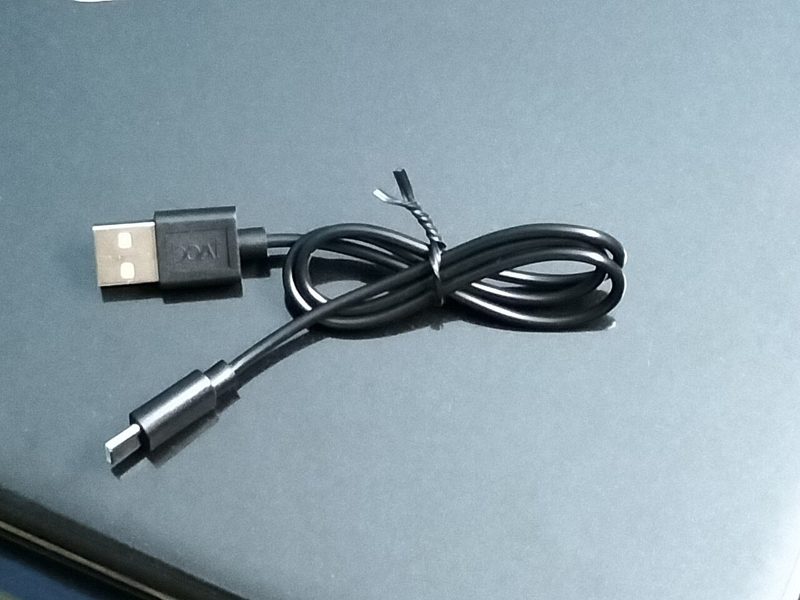 Category photo
Soundcore wireless headphones (noise cancelling)
Why it fits: Soundcore wireless headphones and calls out noise cancelling.
Good for: A student or commuter who wants noise cancelling from a less famous line.
Check first: Whether this model is over-ear or in-ear, as shown on the product page.
Check it on Amazon(paid link)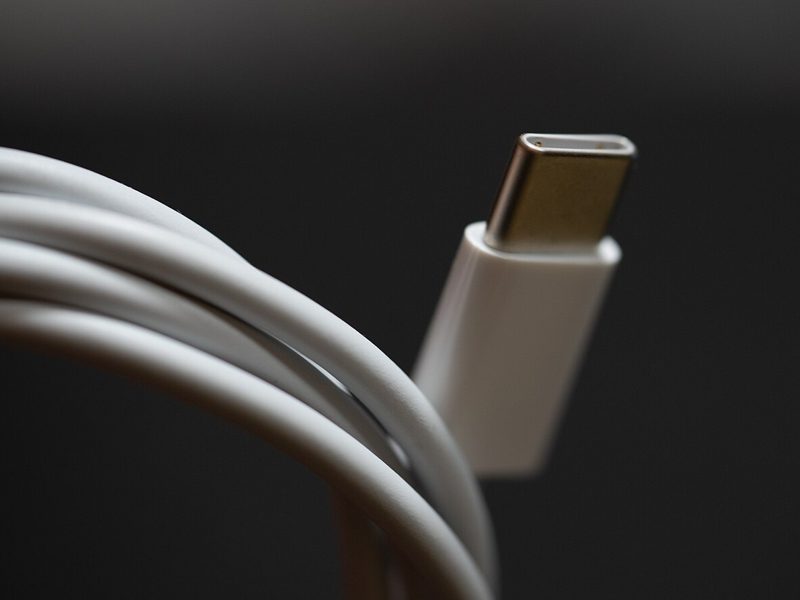 Category photo
LifeStraw personal water filter
Why it fits: The LifeStraw personal water filter, for camping and emergency kits.
Good for: A hiker or camper, or anyone building an emergency kit.
Check first: How the filter is used and cleaned, as described on the product page.
Check it on Amazon(paid link)
What to check before you choose
- Which phone or device does it need? A tracker made for one system is no use with another.
- What plug and cable? Check the product page for what is in the box.
- Does it need an app or an account? Most small tech does; check before choosing.
- Is it a first one or a replacement? A second tracker is a spare; a second charger is usually welcome.
How to use this page
The five products above are named with what their own listing addresses state, as linked from published roundups on cnet.com on 23 Nov 2026. Nothing here is a hands-on review: none of these was used, owned or tested for this guide, and figures that change from day to day are left to the product page.
- Start from what the person loses or runs out of: keys, a bag, or battery.
- Read the listing name for the model and what it is made to work with.
- Open the product page for what else is needed, such as the right app or cable. Each product name is marked (paid link) and opens that page in a new tab.
Small gifts that go with them
- A short cable of the right kind for the person's phone, to keep with the charger.
- A key ring or a holder for the tracker, after checking which size it takes.
- A hand-written note naming the app to install, which saves the first ten minutes.
Photos
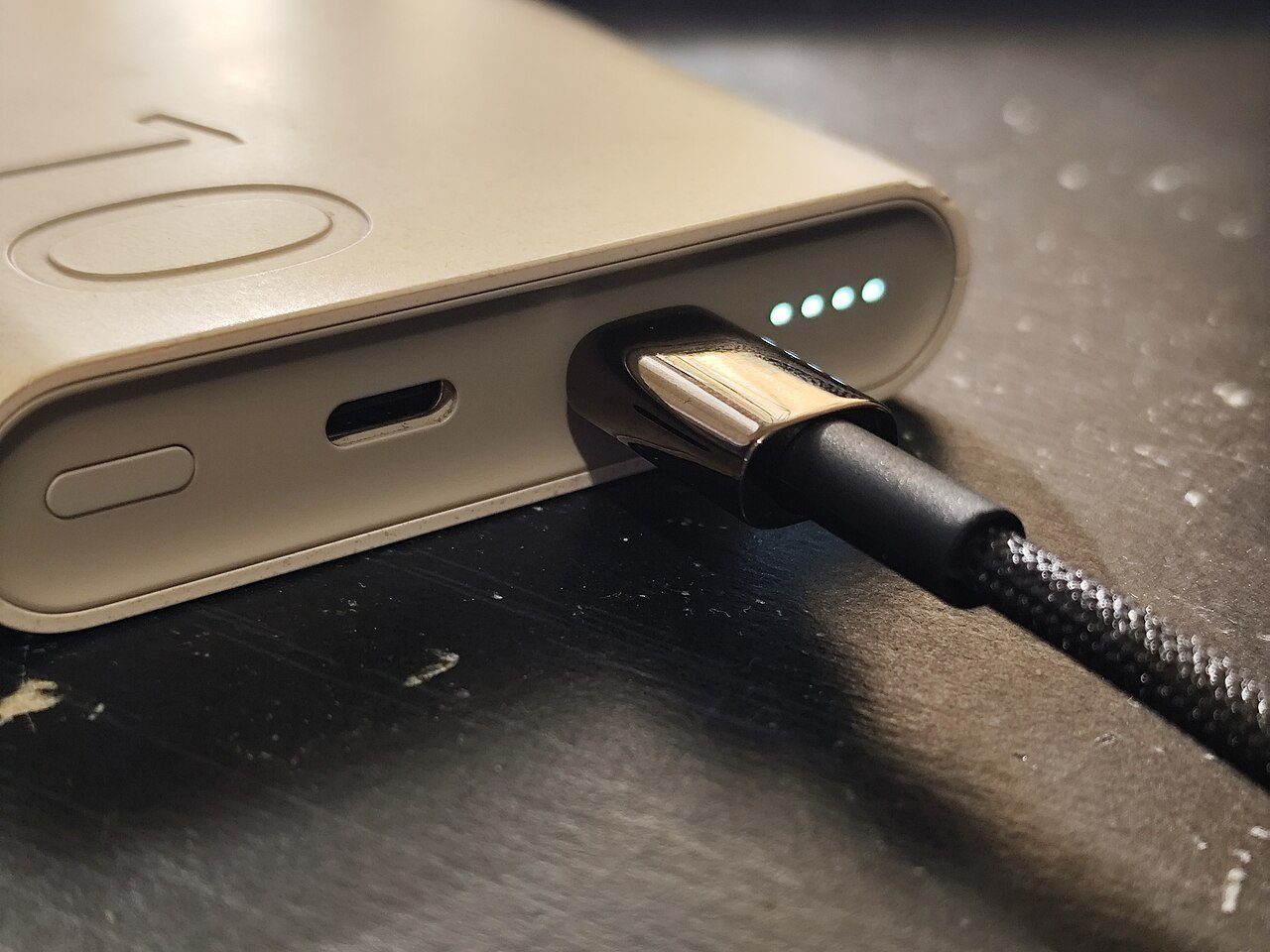
- “USB-C cable connected to a powerbank.jpg” by Logant547, CC BY 4.0, via Wikimedia Commons (file page, licence)
- Image: Apple (the product photo from Apple’s own website)
- Image: Anker (the product photo from Anker’s own website)
- Image: mophie (the product photo from mophie’s own website)
- “USB cable with twisttie.jpg” by Shubjt, CC BY-SA 4.0, via Wikimedia Commons (file page, licence)
- “USB Type-C Cable - iPad USB-C Charger (45640822114).jpg” by Tony Webster from Minneapolis, Minnesota, United States, CC BY 2.0, via Wikimedia Commons (file page, licence)


How this guide picks
For small tech, the listing name states the model and what it is made for. Those facts decide whether it will be used or put in a drawer, and none of them is a matter of opinion.
This site does not review products that were used, owned or tested. It restates what the listing names, and it keeps a pick only while that statement still holds.
Specifications come from each product's listing address or title, or the maker's own page, read on 23 Nov 2026. Check today's information on the product page before ordering.