Smart home gifts by spec
Smart home gifts split into three jobs: listening (a speaker), looking (a display or a camera) and answering the door. Once the job is clear, the listing name tells you most of what matters: whether it runs on mains power or a battery, how big the screen is, and whether it is an indoor or an outdoor device.
- Which assistant does the household already use?
- Is there wiring at the door?
- Where will the screen or camera go?
- What else does it need?
 Category photo
Amazon Echo Show 11 (newest model)
Why it fits: An 11-inch Full HD display for this Echo Show model.
Good for: A kitchen or a family room wall-to-wall spot where a large screen is useful for recipes and video calls.
Check first: The counter or wall space an 11-inch screen needs, and whether the household already uses Alexa.
Check it on Amazon(paid link)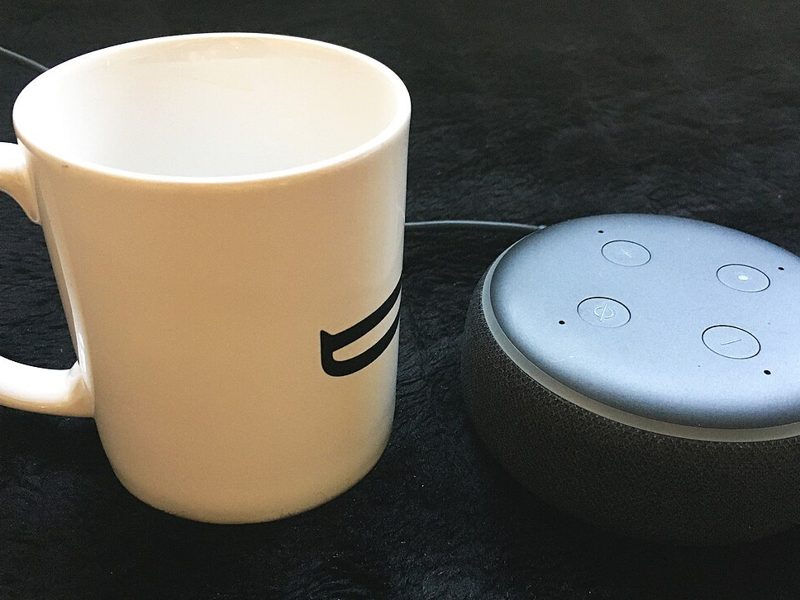 Category photo
All-new Echo Show 8
Why it fits: It the Echo Show 8: the mid-size Echo smart display.
Good for: A bedside table or a smaller kitchen, where an 11-inch screen would be too much.
Check first: What else the household uses it with: a smart display is most useful with a few smart devices already in place.
Check it on Amazon(paid link)- Category photo
Amazon Echo Studio (Alexa speaker, glacier white)
Why it fits: It an Alexa speaker in glacier white; Studio is the model line.
Good for: A music listener who wants a larger smart speaker for a living room.
Check first: The room size and the color, and whether the household's voice assistant is Alexa.
Check it on Amazon(paid link) - Category photo
Echo Hub
Why it fits: It Echo Hub, the control-panel device of the Echo range.
Good for: A household with many smart devices that wants one wall-mounted panel to control them.
Check first: That it is a control panel rather than a speaker or a display for video, and what it needs to be mounted.
Check it on Amazon(paid link) 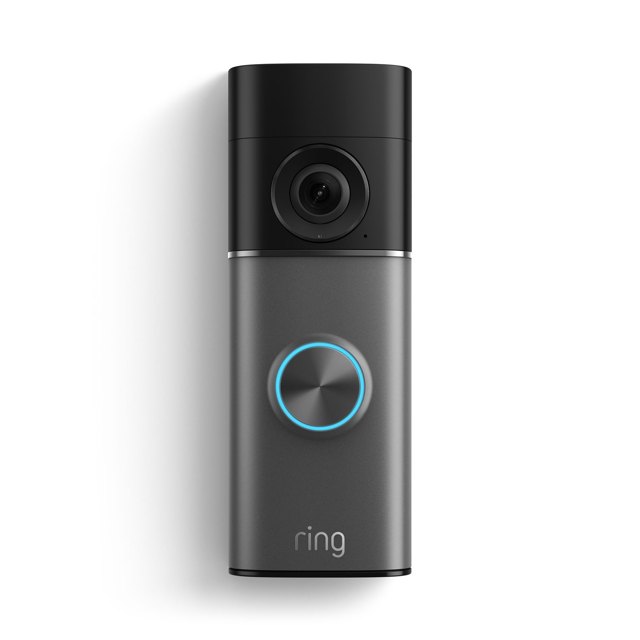 Image: Ring
Ring Battery Doorbell Pro (deep silver)
Why it fits: A battery-powered Ring doorbell in the Pro grade, in deep silver.
Good for: A renter or anyone without existing doorbell wiring, because a battery doorbell needs no wire.
Check first: Whether a subscription is wanted for saved video, and how the battery is recharged.
Check it on Amazon(paid link)- Category photo
Blink Battery Doorbell (newest model)
Why it fits: A battery-powered Blink doorbell and calls it the newest model.
Good for: A first video doorbell for a careful list, where no wiring is available.
Check first: What the product page says about the Sync Module and about storing video clips.
Check it on Amazon(paid link) 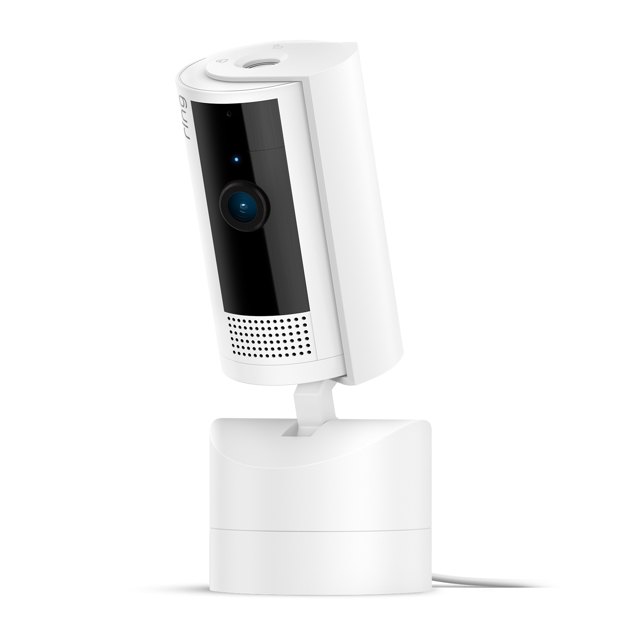 Image: Ring
Ring Pan-Tilt Indoor Cam (white)
Why it fits: An indoor camera with pan and tilt, in white.
Good for: Checking on a pet or a room from a phone, where the view needs to move.
Check first: That it is for indoor use, and where it will be placed for the widest view.
Check it on Amazon(paid link)- Category photo
Google Nest Mini (2nd generation)
Why it fits: The Nest Mini, second generation: the small Google smart speaker.
Good for: A bedroom or desk where the household's assistant is Google rather than Alexa.
Check first: That the rest of the household's smart devices work with Google Home.
Check it on Amazon(paid link)
What to check before you choose
- Which assistant does the household already use? Devices are simplest to live with when they share one system.
- Is there wiring at the door? Battery doorbells go anywhere; wired ones never need charging.
- Where will the screen or camera go? Measure before choosing an 11-inch display or a wall panel.
- What else does it need? Check the product page for a hub, a Sync Module or a subscription before adding it to the list.
Need one answer?
- Music in a living room: the Echo Studio, an Alexa speaker.
- A screen in the kitchen or by the bed: an Echo Show, 11 inches or 8 by the spot it will stand in.
- No wiring at the door: a battery doorbell from Ring or Blink.
How to use this page
The eight devices above are named with what their own listing addresses state, as linked from published smart home roundups on 23 Nov 2026. Nothing here is a hands-on review: no device was used, owned or tested for this guide, and figures that change from day to day are left to the product page.
- Decide the job first: music and voice control, a screen in the kitchen, a camera, or the front door.
- Read the listing name for power source (battery or plug), screen size and indoor or outdoor use.
- Open the product page for today's information and for what else the device needs, such as a hub or a subscription. Each product name is marked (paid link) and opens that page in a new tab.
A smart home starter list for one room
- Start with one speaker or one display, not five devices at once. The first device shows whether the household will use the system.
- Add a plug or a bulb next, so the speaker has something to switch on and off.
- A camera or a doorbell comes later, once the account and the app are set up, because those ask for more decisions about storage and privacy.
- Keep the receipt and note where it is: smart home devices are the most-returned kind of gift when the assistant does not match.
Photos
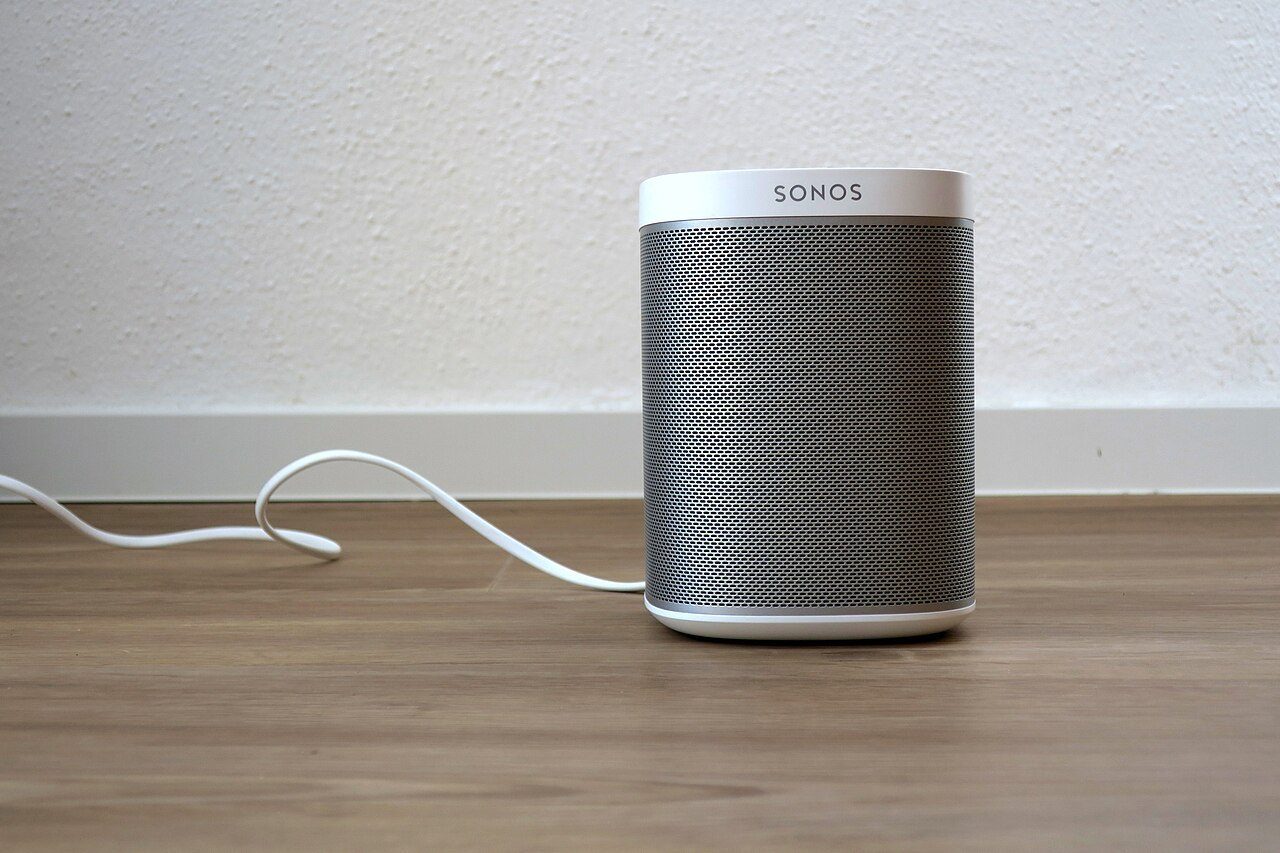
- “Sonos PLAY 1 wireless speaker.jpg” by Robert Wetzlmayr, CC BY-SA 4.0, via Wikimedia Commons (file page, licence)
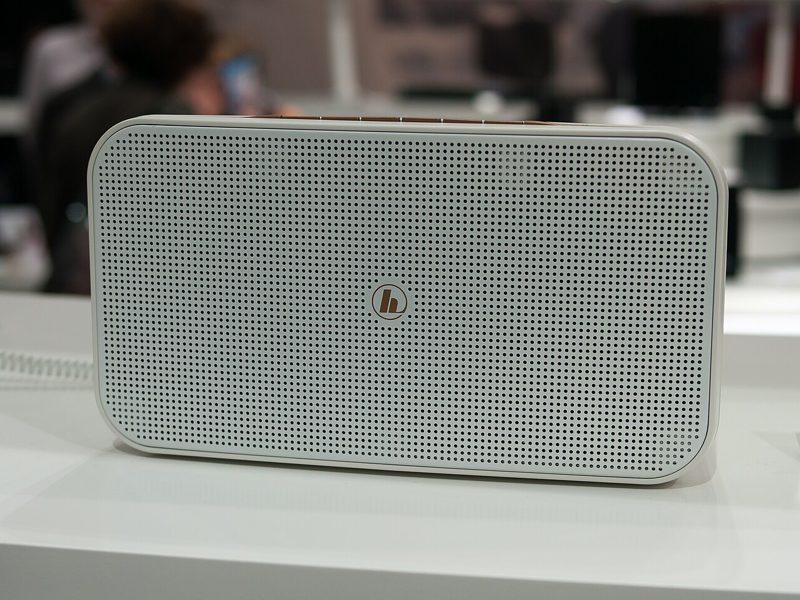
- “Hama, IFA 2018, Berlin (P1070210).jpg” by Matti Blume, CC BY-SA 4.0, via Wikimedia Commons (file page, licence)
- “Amazon Echo Dot (virtual digital assistant) with normal coffee mug as size comparison.jpg” by Pittigrilli, CC BY-SA 4.0, via Wikimedia Commons (file page, licence)
- Image: Ring (the product photo from Ring’s own website)
- Image: Ring (the product photo from Ring’s own website)


How this guide picks
The listing address is written by the seller and states what a device has, not how well it works. For smart home devices that is still the useful half: power source, screen size and indoor or outdoor use decide whether a gift fits the house.
This site does not review products that were used, owned or tested. It restates what the listing names, and it keeps a pick only while that statement still holds.
Specifications come from each product's listing address or title, or the maker's own page, read on 23 Nov 2026. Check today's information on the product page before ordering.